Loading
A fast, floating desktop AI assistant and autonomous research agent built with Electron, React, and TypeScript. Operating as a frameless, transparent overlay summoned via global hotkeys.
Seamless Desktop Companion (Overview)
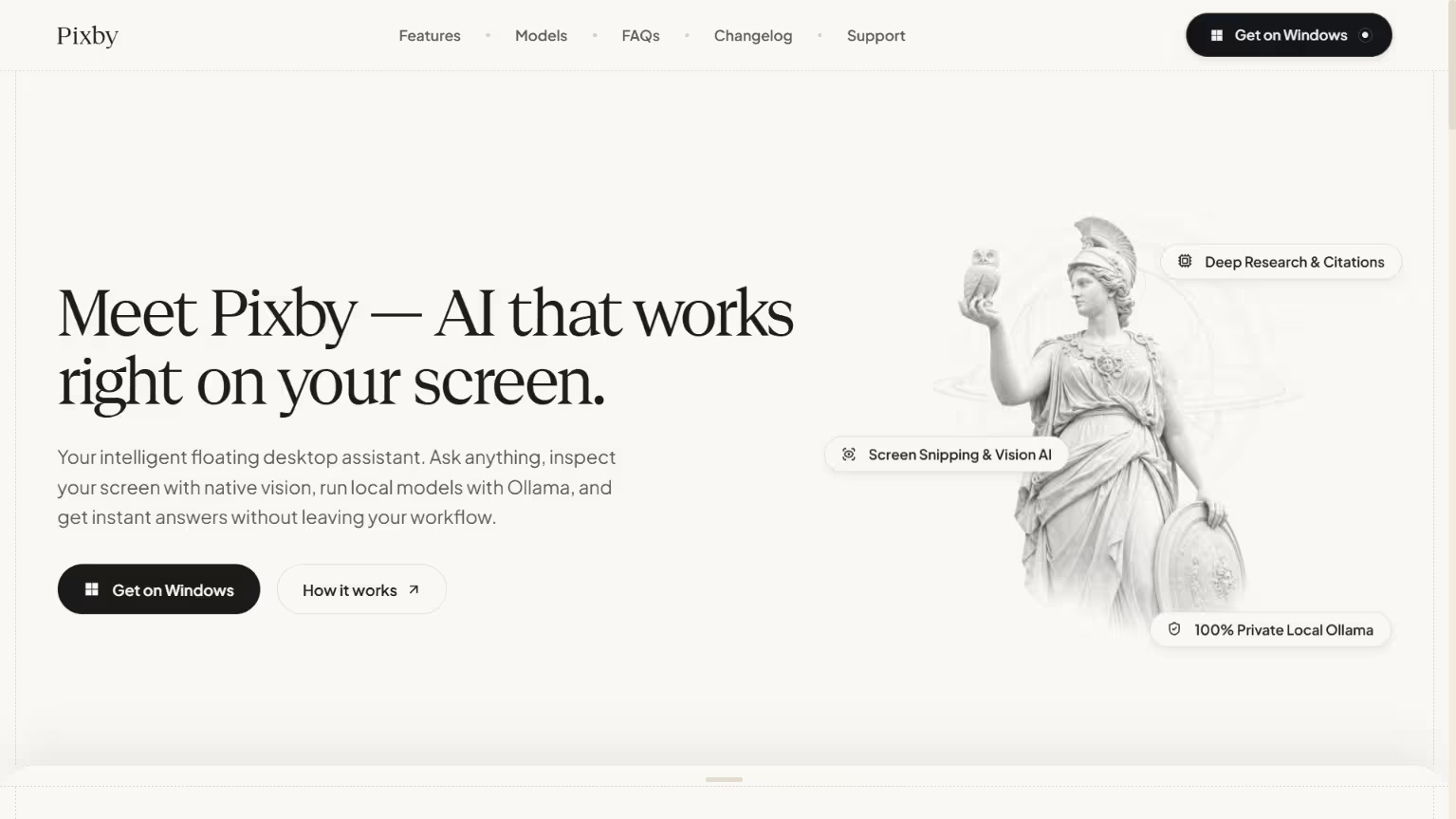
Pixby delivers responsive desktop AI interactions and agentic utility through a decoupled, multi-process Electron architecture. Designed to eliminate the context switching inherent in browser tabs and heavyweight sidebar windows, Pixby operates as an ultra-compact, draggable floating pill that expands on command and stays out of the way when collapsed.
By bridging native OS capabilities (global system hotkeys, screen capture pipelines, filesystem access, GPU usage telemetry) with real-time web technologies (WebSockets for streaming dictation and live LLM token output), Pixby provides an instantaneous workstation companion for developers, researchers, and technical writers.
Here is the Electron main-to-renderer bridge structure and core service routing:
Elevating the Desktop Workflow (Motivation)
Modern software engineering and deep research require immediate answers, but standard AI tools interrupt cognitive flow. Navigating to browser-based AI chats, uploading code files manually, or maintaining heavyweight desktop sidebars clutters screen real estate and breaks focus.
Pixby was built around three guiding principles:
- Zero Disruption: The interface remains a lightweight, transparent pill that hovers unobtrusively on top of IDEs, terminals, and design tools. It can be invoked, queried, and dismissed via global hotkeys in under a second.
- Local-First & Multi-Cloud Choice: Users should never be locked into a single proprietary cloud API. Pixby natively supports completely private, offline model execution through Ollama while offering instant multi-provider switching across Groq (ultra-fast inference), Google Gemini, OpenAI, and Anthropic Claude.
- Actionable Autonomy with Guardrails: Beyond basic conversational text, a desktop companion must be capable of autonomous multi-step investigation, reading source files, executing vetted diagnostic commands, scraping cited documentation, and diagnosing visual defects on screen, while strictly enforcing human-in-the-loop confirmation before modifying any system state.
The Floating Utility Suite (Key Features)
1. Dual Execution Modes: AI Mode vs. Agent Mode
- AI Chat Mode: Built for instant conversational speed. Designed for algorithm explanations, quick code refactoring, inline syntax debugging, and prompt drafting with zero tool overhead.
- Agent Mode: Built for autonomous problem solving. Executes multi-step agentic search loops (up to 12 iterations), recursively scanning the web, reading local workspace files, and generating comprehensive markdown reports with verified citations and inline image references.
2. Complete Local Privacy via Ollama
- Connects directly to local Ollama instances (
http://127.0.0.1:11434) for 100% offline, zero-telemetry model inference. - Enables developers to run models like Llama 3, Mistral, Qwen, and DeepSeek locally without sending proprietary code or sensitive prompts across the network.
3. Native Screen Snipping & Multimodal Vision
- Captures active desktop displays or arbitrary screen regions using Electron’s native
desktopCapturerAPI. - Feeds captures directly to multimodal vision models to diagnose stack traces, analyze layout inconsistencies, review UI mockups, or transcribe visual documents in real time.
4. Workspace File Intelligence & Context Viewer
- Dynamically inspects local workspace files (up to 5MB per file) and directory hierarchies.
- Features built-in ignore rules that automatically filter out bloated directories such as
node_modules,.git,dist, and transient cache files, keeping LLM context clean and token budgets minimal.
5. Real-Time Streaming Voice Dictation
- Integrated Deepgram Speech-to-Text via low-latency WebSocket audio streaming.
- Allows hands-free dictation of engineering prompts, queries, and conversational follow-ups with live audio waveform visualization and instant punctuation.
6. Hardware-Encrypted Credential Security
- All user API keys (Groq, Gemini, OpenAI, Claude) are encrypted on disk using Electron's native
safeStoragemodule tied to host OS keychains (DPAPI on Windows, Keychain on macOS, Secret Service/Libsecret on Linux). - Keys are decrypted only in memory during authenticated IPC requests, preventing plaintext credential extraction.
7. Real-Time Hardware & Usage Telemetry
- Dedicated GPU and memory usage meters continuously track local hardware load during heavy local model execution.
- Visual token consumption gauges and history heatmaps provide complete visibility into session expenditures and token efficiency.
The Desktop Pipeline (Technologies)
- Electron 29 & TypeScript: Handles the host application lifecycle, transparent frameless windowing, click-through toggling, global shortcut managers, and OS-level IPC contracts.
- React 18 & Vite 5: Delivers an ultra-responsive client layer structured with modular CSS, strict 4px grid rhythm, accessible keycap controls, and virtualized message threading.
- Local Ollama & Multi-Cloud SDKs: Provides unified model orchestration spanning local offline endpoints and cloud provider APIs (Groq, Gemini, OpenAI, Anthropic).
- Cheerio & DuckDuckGo Pipeline: Powers the autonomous agent's deep research engine by retrieving live search listings and scraping structured article bodies without browser overhead.
- Deepgram WebSockets: Streams 16kHz raw linear PCM audio for real-time speech transcription with sub-second latency.
- Electron SafeStorage: Encrypts sensitive configuration data with hardware-backed AES-256 encryption.
Multi-Process Pipeline (System Architecture)
Pixby follows Electron's strict multi-process isolation model to maintain peak rendering performance and bulletproof desktop security:
┌────────────────────────────────────────────────────────────────────────┐
│                        ELECTRON MAIN PROCESS                           │
│  - Window Management (Collapsed 110px pill <-> Expanded 580px session) │
│  - Global Shortcut Orchestration (Alt+Shift+S, Alt+Shift+D, Ctrl+T)    │
│  - Native Screen Snipping (desktopCapturer)                            │
│  - DuckDuckGo & Cheerio Web Research Scraping Engine                   │
│  - SafeStorage AES-256 Encrypted Credential Vault                     │
│  - Filesystem Scanner & Path Boundary Validator                        │
│  - GPU Telemetry & Resource Polling                                    │
└──────────────────────────────────┬─────────────────────────────────────┘
                                   │ ContextBridge (Isolated IPC)
┌──────────────────────────────────▼─────────────────────────────────────┐
│                        PRELOAD ISOLATION BRIDGE                        │
│  - window.electronAPI: Strictly typed, sanitized IPC invoke wrappers   │
│  - Zero direct Node.js or native module exposure to renderer DOM       │
└──────────────────────────────────┬─────────────────────────────────────┘
                                   │ Clean Typed Channels
┌──────────────────────────────────▼─────────────────────────────────────┐
│                       ELECTRON RENDERER (REACT 18)                     │
│  - Floating Search & Chat Composer with Pill Drag Bar                  │
│  - Multi-Turn Conversation Threads with Memory Preservation            │
│  - Markdown Syntax Highlighter, Code Block Copy & Responsive Tables    │
│  - Real-Time Audio Waveform & Deepgram WebSocket Transcription         │
│  - Interactive Local Context Viewer & File Tree Grids                  │
│  - Action Approval Modals for Human-in-the-Loop Verification           │
└────────────────────────────────────────────────────────────────────────┘
Desktop Sandbox Isolation (Security Architecture)
Because desktop AI assistants interact with host environments and web resources, Pixby enforces defense-in-depth security:
- Command Execution Blocklist: Terminal commands suggested by agent workflows are evaluated against an aggressive regex blocklist in
security.tsto instantly neutralize destructive operations (rm -rf, disk wipes, format commands, privilege escalation). - Filesystem Path Guardrails: Absolute and relative paths are normalized and vetted before read operations. Requests targeting sensitive OS directories (
.ssh/,.aws/,system32/,/etc/shadow) are rejected immediately. - SSRF Prevention: The research scraper rejects local loopbacks (
127.0.0.1,localhost), private RFC 1918 subnets (10.0.0.0/8,192.168.0.0/16), and cloud metadata IP endpoints (169.254.169.254). - Human-in-the-Loop Safeguards: Any autonomous agent request to write files or execute CLI scripts requires explicit user approval via an interactive confirmation card, ensuring no action runs silently.
Autonomous Agent Workflow (Execution Loop)
Technical Challenges & Engineering Triumphs
- Flicker-Free Click-Through Windows: Configuring Electron to hover perpetually as a top-level transparent pill while toggling mouse event pass-through required granular window shape calculations and IPC coordination so background IDEs remain clickable when Pixby is inactive.
- Low-Latency Streaming Voice: Building real-time audio dictation within React without UI stutter demanded decoupling WebSocket audio serialization from component re-renders, feeding PCM chunks directly to Deepgram through an optimized Web Audio API worklet.
- Resilient Web Extraction: Parsing dynamic web pages without running a heavy headless browser like Chromium required building a lightweight HTTP fetch and Cheerio sanitizer pipeline that extracts primary article text, strips ads and navigation junk, and extracts high-resolution images safely.
- Hardware-Tied Key Protection: Migrating user settings from plaintext local storage to Electron's native
safeStorageAPI ensured zero credential leakage across process crashes or local filesystem inspections.
A Secure, Context-Aware Desktop Companion (Conclusion)
Pixby redefines the desktop AI experience by combining the responsiveness of a floating search bar with the power of an autonomous research agent. Whether executing offline local models via Ollama, diagnosing code bugs via screen snipping, dictating prompts with live speech recognition, or running deep multi-step web investigations, Pixby keeps developers immersed in their workflow without friction.